

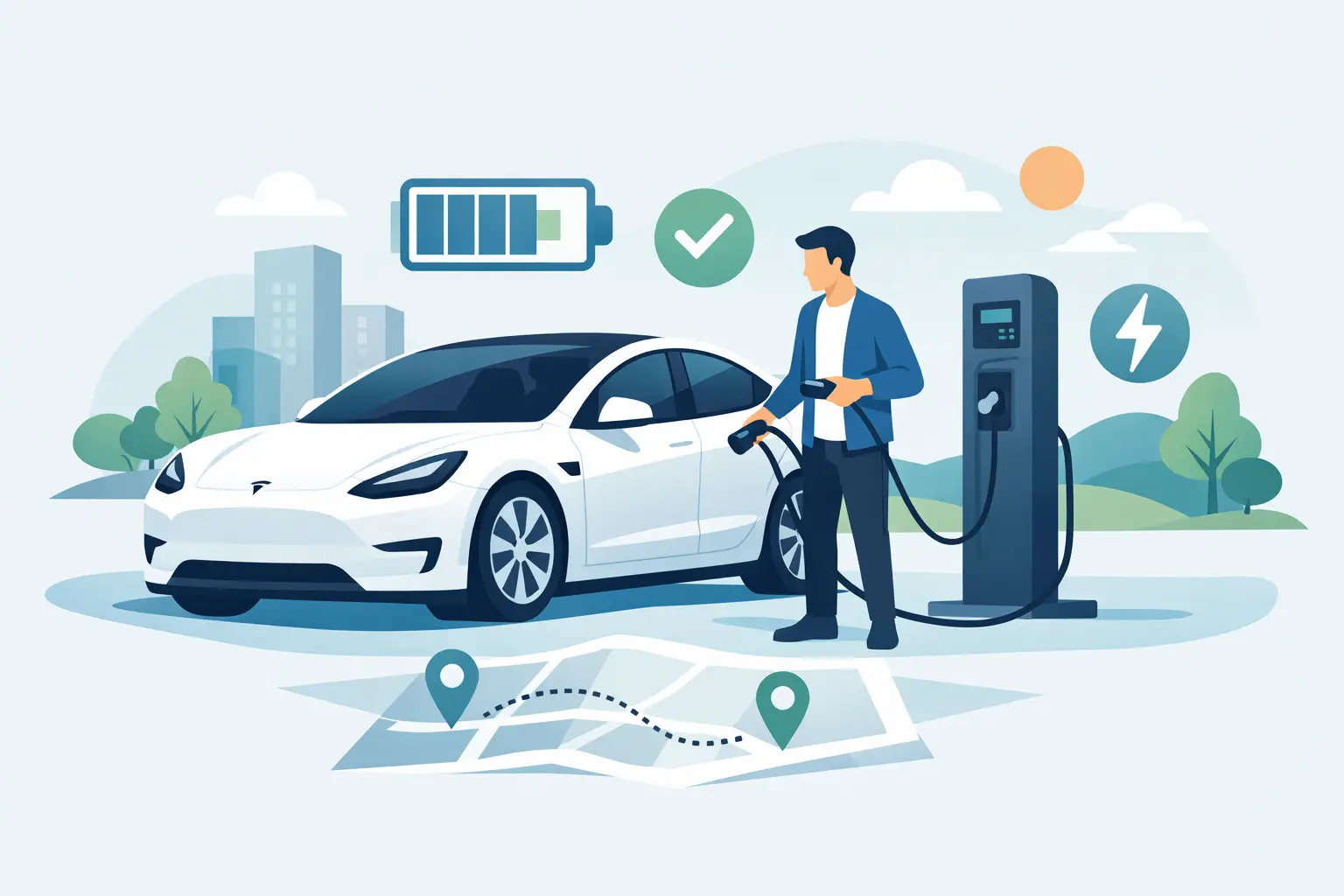
How to Charge a Rented Tesla With Confidence
Your Tesla is ready, the Pacific Coast Highway is calling, and the battery indicator is lower than you expected. Knowing how to charge a rented Tesla turns that moment into a quick stop for coffee, a hotel recharge overnight, or an easy top-up before dinner – not a disruption to your Los Angeles plans.
Charging a Tesla rental is designed to be straightforward, especially once you understand the two questions that matter most: where you can charge and how payment is handled for your specific rental. The car’s navigation system does much of the planning for you, while the Supercharger network makes longer drives feel remarkably familiar.
Start With Your Rental’s Charging Details
Before your first drive, take a moment to confirm the charging arrangement provided with your rental. This is the one detail that can vary between companies. Some rentals include Tesla app access or a preconfigured charging account, while others ask guests to pay for Supercharging after the trip or use a designated payment method.
Ask how Supercharger sessions are billed, whether an adapter is included for non-Tesla public stations, and what battery level is expected at return. A premium rental experience should make those answers easy to find and provide responsive support if a charging question comes up on the road.
If your rental includes Tesla account or profile syncing, signing in can make the drive feel more personal. Your navigation favorites, music preferences, seat settings, and other compatible Tesla settings may be ready in the vehicle. Still, charging access and billing should always be confirmed separately, rather than assumed.
How to Charge a Rented Tesla at a Supercharger
For most guests, Tesla Superchargers are the simplest and fastest option. They are built into the Tesla navigation experience, widely available around Los Angeles and on major routes beyond the city, and require far less setup than many public charging networks.
Open the map on the center touchscreen and search for a Supercharger, or touch the lightning-bolt icon to see nearby locations. Each station listing shows useful details, including the number of available stalls, charging speed, nearby amenities, and whether the site is expected to be busy. When you select a location as your destination, the Tesla can precondition the battery as you drive there. That helps it accept energy more efficiently when you arrive.
At the charger, park with the charging port aligned to the cable. On the Model 3 and Model Y, the port is at the left rear of the vehicle. The Cybertruck’s charge port is also positioned at the rear driver’s-side area. Press the button on the Supercharger handle to open the port, remove the connector, and plug it in firmly.
The charging port light will change color as the session begins. A pulsing green light means the vehicle is actively charging. You can watch progress on the touchscreen or in the Tesla app when app access is part of your rental. The display will show the battery percentage, charging rate, estimated time remaining, and, often, the approximate amount added to the battery.
There is usually no need to swipe a card at the stall. The vehicle and rental’s charging setup identify the session automatically. That convenience is why it is so useful to understand billing before departure: charging may be handled through the rental provider, passed through after your trip, or connected to the account associated with the vehicle.
Don’t Wait for 100 Percent Unless You Need It
A Tesla charges fastest when the battery is relatively low. As it approaches a high state of charge, the speed gradually tapers to protect the battery. For a quick stop, charging to about 80 percent is often the most time-efficient choice. It gives you substantial range without waiting through the slowest part of the session.
There are exceptions. If you are heading from Los Angeles to a remote destination, traveling a long stretch without convenient charging, or returning the rental soon, a higher charge may make sense. Let the in-car route planner guide the decision. It considers your destination, elevation changes, driving conditions, and available charging stops.
When you have enough energy to continue, move the Tesla from the Supercharger stall promptly. Supercharger spaces are for active charging, not parking. Remaining connected after the vehicle is finished can result in idle fees, and moving along is a small courtesy that keeps the station available for the next traveler.
Charging at a Hotel, Home, or Destination Charger
Not every charge needs to happen at a Supercharger. If your hotel, vacation rental, restaurant, or event venue has Tesla Wall Connectors or Level 2 charging, plugging in while you are already parked can be a relaxed way to recover range.
Level 2 charging is slower than Supercharging, but that is often exactly the point. It is ideal for an overnight stay, a long dinner, or a full workday. Plug in when you arrive, enjoy your plans, and return to a battery that has quietly gained meaningful range.
A Tesla destination charger generally works by connecting the cable directly to the vehicle, much like a Supercharger. A standard J1772 public Level 2 charger may require an adapter. Do not assume one is in the vehicle. Check the rental’s included equipment before relying on that location, and never force a connector that does not fit.
A standard household outlet can work in certain circumstances, but it is the slowest option and depends on the correct mobile connector and safe electrical setup. For a short rental, it is best viewed as a backup rather than your main charging plan. A dedicated Level 2 charger or Supercharger will be more predictable.
Using Other Public Charging Networks
Tesla charging access has expanded, but public stations outside the Tesla network still vary by connector type, reliability, payment process, and available power. Some locations work easily with the right adapter; others may require a separate app or account. This is why the Tesla Supercharger network remains the preferred choice when time matters.
If you choose a non-Tesla fast charger, first verify that your rental is equipped and authorized to use it. Check the connector shown in the station’s app or on its display, confirm whether an adapter is needed, and follow the station’s payment instructions. Public charging can be useful near a particular destination, but it is not always as frictionless as plugging into a Supercharger.
For visitors, the practical approach is simple: use Superchargers for road trips and quick recovery, then take advantage of hotel or destination charging when it fits naturally into your schedule.
Plan Charging Into the Drive, Not Around It
The Tesla’s navigation is one of your best tools as a renter. Enter your destination before leaving, even if you know the route. The system can recommend charging stops, estimate your arrival battery percentage, and adjust plans as traffic or driving conditions change.
Battery range is affected by speed, hills, outside temperature, passenger load, and climate control. A spirited coastal drive, a packed vehicle, or a hot afternoon with strong air conditioning can use more energy than the headline range figure suggests. That is normal, not a sign that anything is wrong.
You do not need to charge anxiously at every opportunity. Instead, keep a comfortable buffer and make charging stops part of the itinerary. A 15-to-30-minute Supercharger visit can be a natural pause for a coffee, a stretch, or a quick meal. On longer routes, the car’s planner is usually more reliable than trying to guess based on miles alone.
Return the Tesla With the Right Charge Level
Your return requirement should be clear in your rental agreement or handoff instructions. Some rentals ask for the vehicle to return at the same battery level it had at pickup, while others use a stated minimum. Charging just before return can avoid additional fees and gives you a calmer finish to the trip.
Do not leave this until the final few minutes at the airport or your hotel. Nearby chargers can be busy, and high battery percentages take longer to reach. Plan your final charge around your last dinner, meeting, or stop so the return feels as polished as the rest of the experience.
A rented Tesla is meant to expand the trip, not add a new task list. Once you have completed one charging session, the routine becomes familiar: navigate, plug in, enjoy the pause, and get back to the drive. Luxury drives await when the logistics stay this simple.



[…] means discovering what EV ownership might actually be like. You can use the navigation system to plan charging stops, experience one-pedal driving in real traffic, and see how naturally the car handles daily errands. […]
[…] visitors. Save your hotel, event venue, or favorite Los Angeles stops, then let Tesla route with charging in mind when needed. The system can plan charging stops, but you should still review the route before a […]