

How to Use Tesla Superchargers With Confidence
You have just left LAX, the Pacific Coast Highway is calling, and the battery indicator is lower than you expected. Knowing how to use Tesla Superchargers turns that moment into a quick, easy stop rather than a detour filled with guesswork. For first-time Tesla drivers, the experience is remarkably straightforward: navigate to a station, back into a stall, plug in, and let the vehicle handle the rest.
The details still matter. A little planning protects your time, helps you arrive with a comfortable battery reserve, and keeps your drive feeling as polished as the destination.
How to Use Tesla Superchargers Before You Leave
The most useful charging tool is already built into the Tesla. On the center touchscreen, tap the navigation search bar and select a Supercharger location, or simply enter your destination. The Tesla route planner will calculate a charging plan based on your current battery level, driving conditions, elevation, and available stations along the way.
Choose the Supercharger as your navigation destination, even if you already know where it is. When the car is headed to a Supercharger, it can begin battery preconditioning before arrival. In plain terms, it brings the battery to a temperature better suited for rapid charging. That can make a meaningful difference, especially in cooler weather or when you are arriving after a short drive.
For a Los Angeles day out, this might mean adding a Supercharger stop before a Malibu lunch, a Palm Springs hotel check-in, or an evening event across town. The screen will show the estimated battery percentage when you arrive and how long you will likely need to charge. Treat that estimate as intelligent guidance, not a rigid promise. Traffic, speed, weather, and your use of climate control can shift energy consumption.
A practical habit is to plan to arrive with roughly 10% to 20% battery remaining when conditions allow. You do not need to run the battery close to empty to charge efficiently, and leaving a cushion makes detours, construction, and LA traffic far less stressful.
Understand charging and rental billing
At a Supercharger, the cost of electricity is typically tracked automatically through the vehicle or Tesla account arrangement. If you are in a rental, follow the charging and billing instructions provided with your vehicle. The exact process can vary by rental provider, account setup, and location, so it is worth knowing whether charging is billed during the rental or reconciled afterward.
If your Tesla profile and app access have been set up for your trip, keep the app available on your phone. It is useful for checking charge status without walking back to the car. The vehicle screen remains your clearest source for route planning and charge progress.
At the Supercharger: Park, Plug In, Charge
Tesla Superchargers are designed to remove the usual public-charging routine. There is no need to pull out a separate membership card, scan a QR code, or wrestle with an unfamiliar connector.
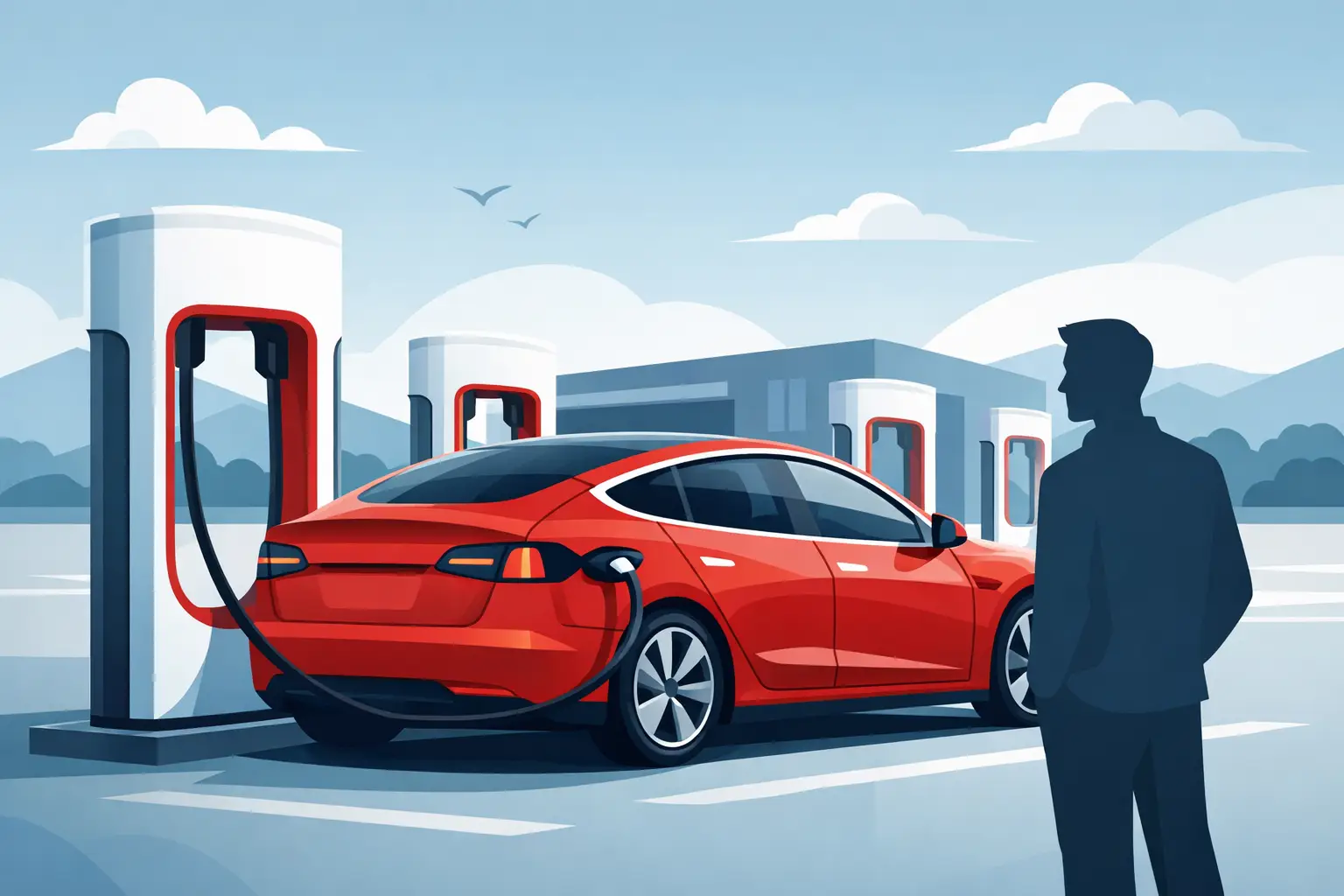
Back into an open stall with the rear of the vehicle facing the charger. On Tesla Model 3 and Model Y vehicles, the charge port is on the left rear taillight area. On a Cybertruck, confirm the port location and cable reach as you park. Get close enough that the cable rests naturally without being stretched across the stall or walkway.
Press the button on the charging handle to open the charge port door, then insert the connector firmly. The charge-port light gives you a quick status check:
- White means the port is ready for a connector.
- Blue generally means the vehicle is preparing to charge.
- Green means charging has started.
- Amber can indicate attention is needed, so check the touchscreen message.
Once the light turns green, look at the center display. You will see the charging speed, the current battery percentage, and an estimated completion time. That is all you need to do. Feel free to grab coffee, use the restroom, or enjoy the stop, but keep an eye on the app or your vehicle notifications so you can return when charging is complete.
Supercharging is usually fastest when the battery is lower and gradually slows as it fills. For that reason, a road-trip stop from 15% to 65% is often quicker than waiting for 100%. The navigation system knows this and may recommend a short charge before sending you on to the next stop. Unless you have a specific reason to need more range, such as a remote overnight destination with no charging, following the car’s recommendation is usually the efficient choice.
How Long Does a Tesla Take to Supercharge?
It depends on the model, battery level, station equipment, weather, and whether the battery was preconditioned. A quick top-up can take around 15 to 25 minutes, while a longer stop may take 30 to 45 minutes. Charging from a very low state of charge to nearly full takes longer because the rate slows considerably near the top of the battery.
Think in miles added, not just minutes spent. The vehicle display will show how much range is being added and when it has enough charge to continue your planned route. If the screen says you can leave in 18 minutes, there is rarely a benefit to extending the stop simply to reach a round-number percentage.
This is one reason Tesla road trips can feel easier than many newcomers expect. A well-planned charging stop often aligns naturally with a coffee break, meal, hotel check-in, or a chance to reset before the next stretch of road.
Supercharger Etiquette That Keeps the Network Moving
The Supercharger network works best when every driver treats the stall as a charging space, not a parking space. Move the Tesla once you have enough battery for your next leg, particularly at popular stations, holiday weekends, and busy city locations.
Avoid blocking neighboring stalls, even if the lot is quiet. Park within the lines, use the cable assigned to your stall, and do not leave the vehicle in a Supercharger space while you shop or dine after charging has ended. Some locations may apply idle fees when a vehicle remains connected after charging is complete, especially when the station is busy. The Tesla screen and app will alert you when it is time to return.
If every stall is occupied, do not assume the wait will be long. Check the screen for availability and nearby alternatives. Tesla navigation can direct you to another station if needed. At sites with paired charging hardware, leaving an open stall between cars may occasionally help charging performance, but this varies by station generation. In a crowded location, the courteous choice is simply to take an available space and get on your way when you have sufficient charge.
Common First-Time Questions
Do I need to wait in the car while charging?
No. Once charging has begun, you can step away, provided you monitor the vehicle through the app or stay close enough to return promptly. Keep valuables out of sight as you would at any public parking area.
How do I stop charging and unplug?
When you are ready to leave, unlock the vehicle if needed, press the button on the charging handle, and remove the connector once the charge port releases it. Return the cable neatly to the charger, close the port if it does not close automatically, and check the screen for any final message before driving away.
What if the Supercharger will not start?
First, make sure the connector is fully inserted and the vehicle is in Park. Check the screen for a clear message, then try removing and reconnecting the cable once. If the issue continues, use Tesla support options in the vehicle or app, or contact your rental provider’s support team. With a concierge-style Tesla rental from The Suite Escape, help is available around the clock so a small charging question does not disrupt the plans you came to Los Angeles to enjoy.
Should I charge to 100% every time?
Usually, no. For daily driving and most route-planned trips, charging to the level recommended by the vehicle is more convenient and often faster. Charge higher when your itinerary genuinely calls for it, such as a long drive with limited charging at the other end. The right target is the one that gives you a comfortable buffer without turning a quick stop into an unnecessary wait.
A Supercharger stop should feel like part of the journey, not a pause from it. Let the Tesla plan the route, give yourself a little battery margin, and use the charging time for something worthwhile. Then settle back into the drive with the confidence that the next stretch of your getaway is ready when you are.



[…] longer drives, Tesla navigation can incorporate Supercharger stops into the route and estimate battery level on arrival. Rather than guessing where to charge on the […]