

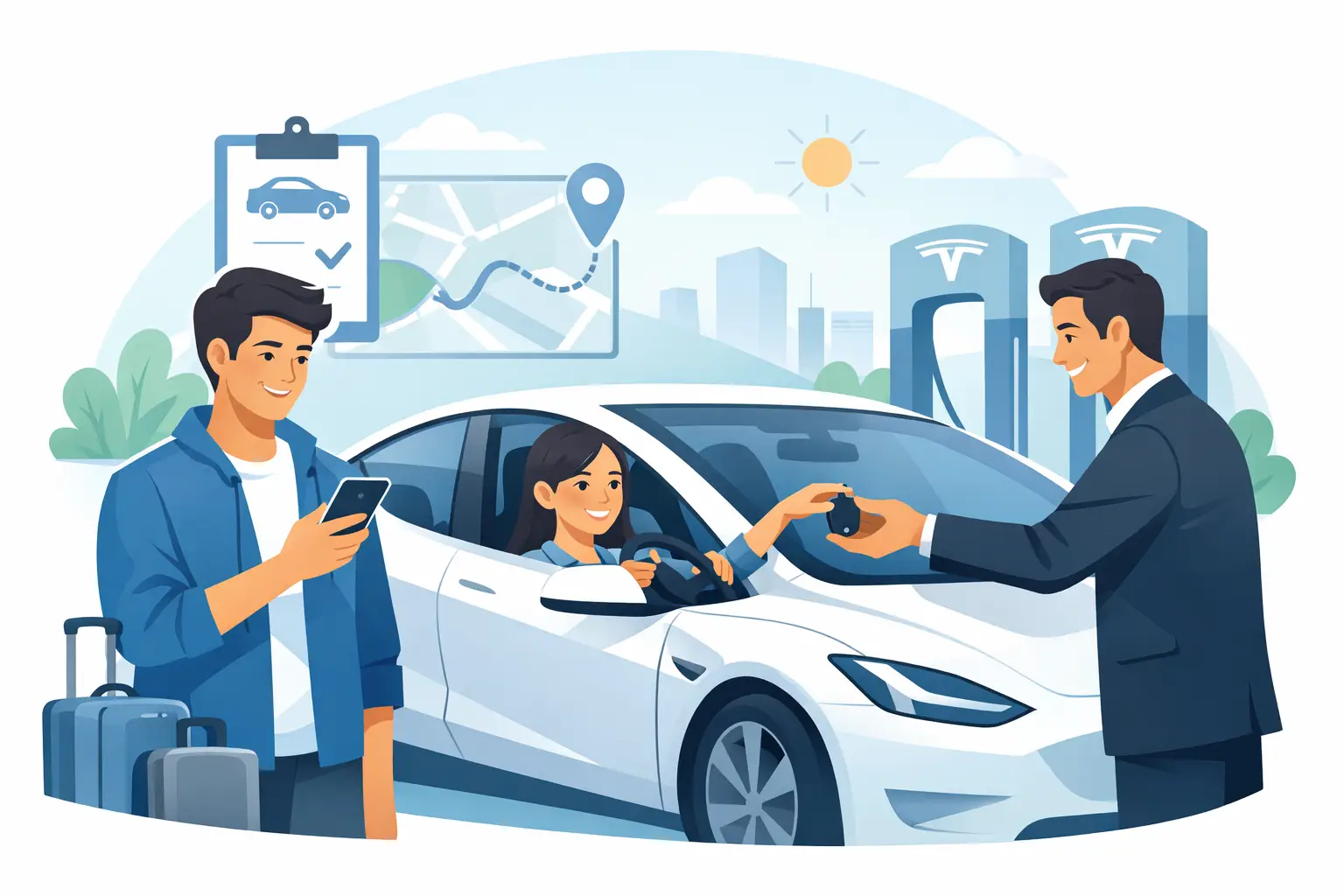
Tesla Rental for First-Time Drivers Made Easy
A Tesla rental for first time drivers can turn a Los Angeles itinerary into part of the experience. Picture leaving LAX without standing at a rental counter, stepping into a clean, quiet cabin, setting navigation for Malibu or Beverly Hills, and letting the car handle the small details that make a drive feel less like logistics. The key is not being an EV expert. It is spending a few focused minutes getting comfortable before you pull away.
Tesla vehicles are designed to make the unfamiliar feel intuitive, but they do ask you to trade a few old habits for new ones. There is no traditional ignition key, the screen replaces most dashboard buttons, and charging becomes something you plan around rather than a five-minute stop on every corner. For most guests, that adjustment is surprisingly quick.
Start With the Tesla That Fits Your Trip
Your first decision is less about technology and more about the kind of trip you want. A Tesla Model 3 is sleek, agile, and especially enjoyable for business travel, city plans, or a coastal drive for two. The Model Y offers more room for luggage, friends, and weekend shopping, making it a natural choice for families and groups arriving with carry-ons and beach bags.
The Cybertruck is a different kind of statement. Its size, commanding visibility, and unmistakable design make it ideal when the vehicle is part of the occasion. It also deserves a little extra awareness in tight hotel garages and busy valet lanes. Choose it for the experience, but give yourself room to get acquainted with its dimensions.
For any model, take a moment at delivery to adjust mirrors, seat position, steering wheel, climate controls, and navigation. If account or profile synchronization is available, it can bring eligible personal preferences into the cabin, giving the vehicle a more familiar feel from the first mile.
Your First Five Minutes Behind the Wheel
The Tesla driving experience starts quietly. With your phone key or key card authorized, press the brake and select Drive on the screen or gear control. There is no engine sound to confirm the car is on. The display and ready-to-drive response are your cues.
Before entering traffic, practice three things in a calm parking area: shifting between Park, Reverse, and Drive; using the turn signals and wipers; and locating the camera views on the center screen. The rear and side camera feeds are particularly helpful in Los Angeles parking structures, where spaces can feel optimistic rather than generous.
One-pedal driving is often the biggest adjustment. When you ease off the accelerator, regenerative braking slows the car while returning energy to the battery. At first, lift your foot gradually. Within a few miles, many first-time drivers find it smoother than moving constantly between accelerator and brake pedals, especially in stop-and-go traffic.
Tesla acceleration is immediate. That responsiveness is fun, but it is best enjoyed with restraint until you understand the pedal. Smooth inputs make for a smoother ride for everyone in the cabin, including the iced coffee in the cup holder.
Charging Without Turning It Into a Chore
Charging anxiety usually comes from treating an EV like a gas car. You do not need to wait until the battery is nearly empty, and you do not need to fill it to 100 percent at every stop. Instead, use navigation and charge when it naturally fits your plans – while you have lunch, walk through an outdoor shopping district, or take a break between meetings.
Tesla navigation can route you through the Supercharger network and estimate your battery level on arrival. That estimate is useful, but real conditions matter. Fast freeway driving, steep canyon roads, heavy air conditioning, and cold or hot weather can affect range. Leave a comfortable buffer when you have a fixed reservation, a late-night return, or a long drive beyond central Los Angeles.
At a Supercharger, back into the space with the charge port positioned near the stall cable. Open the port from the screen, app, or by pressing the button on the connector when available, then plug in and confirm charging has started on the display. The car will show an estimated completion time.
You can generally leave once you have enough charge for the next leg. Charging to the full limit is not always necessary and may take longer near the top of the battery. Move the vehicle when charging is complete so the stall is available for the next driver and to avoid possible idle fees.
The Suite Escape gives guests access to a practical Tesla ecosystem, including support when a charging question comes up. With more than 8,000 Superchargers available across the network, the better question is usually not whether you can charge, but when charging best fits your day.
Tesla Full Self-Driving: Helpful, Not Hands-Off
For Tesla-curious guests, Full Self-Driving technology can be one of the most memorable parts of a rental. It can assist with navigation-based driving tasks, lane changes, turns, and traffic-aware movement depending on vehicle capability, conditions, and software availability. It is impressive technology, particularly on long stretches of freeway or unfamiliar routes.
But it is not a chauffeur. Full Self-Driving is a supervised driver-assistance feature, and the person in the driver’s seat remains fully responsible for the vehicle at all times. Keep your hands ready, your eyes on the road, and your attention on surrounding traffic. Be prepared to take over immediately, especially around construction, complex intersections, aggressive drivers, pedestrians, cyclists, and unpredictable Los Angeles street conditions.
Your first use should be deliberate, not experimental. Start on a clear, familiar-feeling road in daylight, learn how the system communicates through the display, and stay relaxed enough to intervene without hesitation. If you would rather drive manually, that is completely fine. A Tesla is still an exceptional vehicle without activating any advanced assistance features.
Plan for LA’s Real Driving Conditions
A premium EV makes airport arrivals, dinner reservations, and scenic drives feel polished. It does not eliminate the realities of LA traffic. Build time into every route, especially during weekday rush hours, near major event venues, and on the drive to LAX. Tesla navigation responds to changing traffic, but no software can create an empty 405.
Parking deserves equal attention. Use the camera system, park slowly, and watch curb clearance on streets with angled spaces. For beach areas and popular neighborhoods, arriving a little earlier can be more valuable than circling for the closest spot. If a valet will move the vehicle, take any personal belongings with you and make sure you understand how access has been arranged.
For longer drives – perhaps to Santa Barbara, Palm Springs, or down the coast – enter the complete destination in the Tesla navigation rather than relying only on a separate route plan. This helps the vehicle calculate charging stops around the actual journey. Unlimited miles can make a road trip feel wonderfully open-ended, but battery planning still rewards a little intention.
A Simple First-Time Driver Routine
The easiest Tesla trips follow a calm rhythm. Before departure, confirm your destination, expected battery level, and where you are likely to charge next. While driving, use regenerative braking smoothly and give yourself a little more mental space than usual while learning the controls. At each stop, glance at the battery estimate before you head inside.
You do not need to memorize every setting. The screen has plenty to explore, from entertainment to climate preferences, but the essentials are simple: drive, navigate, charge, park, and stay attentive. Concierge-style delivery, a meticulously maintained vehicle, complimentary water, and responsive 24/7 support make those first moments feel less like a technology lesson and more like the start of your getaway.
Returning Your Tesla With Confidence
As your rental ends, use navigation to plan the final drive rather than guessing how much battery you will need. Review the return instructions, remove personal items from door pockets, center console, trunk, and frunk, and check that your phone or synced profile is handled according to the rental guidance. A quick cabin sweep saves the classic travel moment of realizing your sunglasses are still in the car after security.
The best first Tesla drive is not about proving you can master every feature. It is about giving yourself enough time to enjoy a new kind of travel: quiet acceleration, thoughtful technology, and a vehicle that makes the road between plans feel like a destination of its own.
[…] fleet makes charging, account access, or EV orientation feel straightforward. If you have never driven a Tesla, a rushed handoff in a busy garage is not the ideal setting to learn the […]