
10 Best Tesla Features for Travelers on the Road
Landing at LAX with a dinner reservation in West Hollywood, a beach morning in Malibu, and a meeting downtown can make transportation feel like the least glamorous part of the trip. The best Tesla features for travelers change that equation. They turn the vehicle into a connected, comfortable base for navigating a big city, taking a coastal detour, or heading out of Los Angeles without watching a mileage allowance.
The best Tesla features for travelers begin before departure
A premium rental should feel personal from the first mile, not like a reset button after a long flight. Tesla’s connected ecosystem is especially useful for travelers because many of its best conveniences happen before you have even picked a route.
1. Tesla profile syncing
For Tesla owners, profile syncing can bring familiar preferences into the rental: seat and mirror positions, steering-wheel settings, driving preferences, navigation favorites, and entertainment logins. It is a small detail with a meaningful payoff. Instead of spending the first 15 minutes adjusting the car, you can settle in and go.
For Tesla-curious guests, it is equally valuable to have a guided setup experience. The technology should feel approachable, whether this is your first time behind the wheel or your tenth Tesla road trip.
2. Full Tesla app access
App access keeps useful controls in your pocket. You can check charging status, precondition the cabin before heading back to the car, locate it in a large garage, and manage access without juggling physical keys. On a warm Southern California afternoon, starting the climate control before leaving lunch is not a futuristic party trick. It is a noticeably better way to travel.
This also adds confidence when plans change. A traveler moving between hotels, meetings, restaurants, and venues has enough to coordinate already.
Navigation that thinks ahead
Los Angeles is not a city where getting from A to B tells the whole story. Traffic patterns shift, freeway ramps appear quickly, and a drive that looks simple on a map can have several better route options. Tesla navigation is built for the reality of the road.
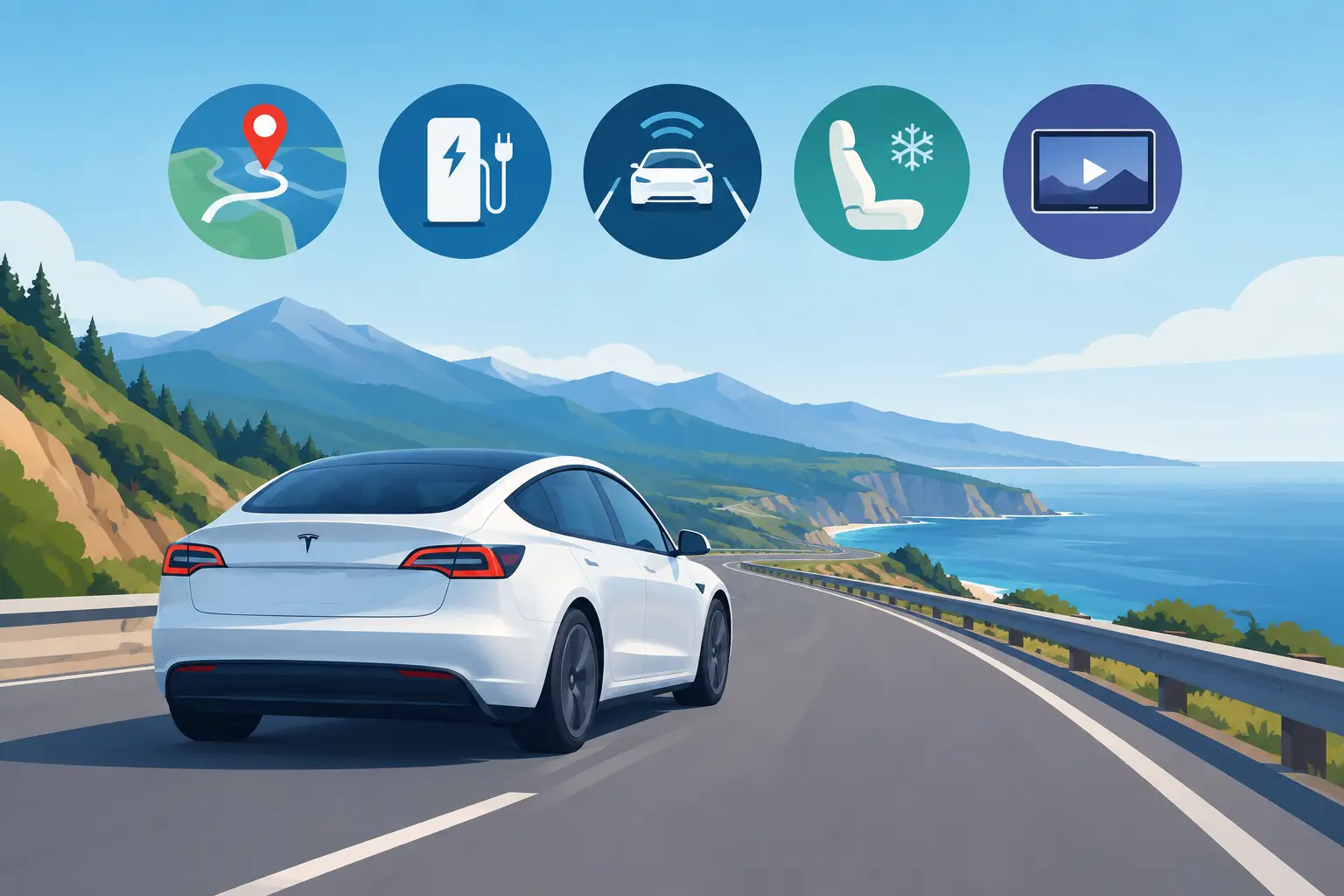
3. Route planning with live traffic awareness
Tesla navigation uses current traffic conditions to guide routes and update estimated arrival times. That matters when the difference between leaving now and leaving 20 minutes later can reshape your entire afternoon.
For visitors, the large central display is also easier to use than a phone balanced in a cupholder. Directions are clear, upcoming turns are prominent, and the route stays visible without taking attention away from the road.
4. Built-in Supercharger planning
For longer drives, Tesla navigation can incorporate Supercharger stops into the route and estimate battery level on arrival. Rather than guessing where to charge on the way to Palm Springs, Santa Barbara, or San Diego, the car helps organize the plan around charging locations that fit the trip.
The key is to navigate to your destination through the Tesla system, especially on a longer route. It can prepare the battery for faster charging as you approach a Supercharger, which can reduce time at the station. With access to 8,000+ Superchargers, charging is often a natural coffee, restroom, or meal stop instead of an inconvenient detour.
5. Easy charging information when you need it
First-time EV drivers often worry about range because charging is unfamiliar, not because it is inherently difficult. Tesla makes the essentials visible: battery percentage, expected arrival charge, nearby charging locations, and charging progress. You do not need to become an EV expert to use it well.
There are still practical trade-offs. Fast-charging time varies with the battery’s charge level, station availability, weather, and how far you are driving that day. For the smoothest experience, begin road-trip days with a healthy charge and avoid arriving at every charger with a nearly empty battery.
Confidence for city streets and highway miles
Tesla technology is designed to reduce repetitive driving tasks, but it is most useful when paired with an attentive driver who understands its role.
6. Full Self-Driving (Supervised)
Full Self-Driving (Supervised) is a defining feature for travelers who want to experience Tesla’s advanced driving technology on highways and city streets. When conditions allow, it can assist with steering, speed, lane changes, turns, and navigation-based driving tasks.
The important word is supervised. The driver must remain attentive, keep hands ready, monitor the road, and take over whenever needed. It is not a chauffeur, and it does not replace good judgment in dense traffic, unfamiliar neighborhoods, or poor visibility. Used responsibly, it can make a long freeway stretch feel less tiring and make a Tesla rental feel distinctly different from a conventional luxury SUV.
7. Cameras and parking assistance
Parking in Los Angeles can be its own travel category. Tight hotel garages, compact valet lanes, crowded restaurant lots, and unfamiliar curbside rules all demand attention. Tesla’s camera views and parking assistance features give drivers a clearer look around the vehicle when maneuvering in confined spaces.
They do not eliminate the need to check mirrors, surroundings, and local signage. They do make it easier to place the vehicle precisely, particularly after dark or in a garage where sight lines are limited.
Comfort that earns its place on the itinerary
The best travel vehicles do more than cover distance. They make the time between destinations feel considered.
8. A quiet, responsive electric drive
An electric powertrain delivers immediate acceleration with none of the engine noise or gear shifts of a traditional gas vehicle. That creates a calmer cabin for calls between appointments, conversation on a date night, or simply enjoying the drive up the coast.
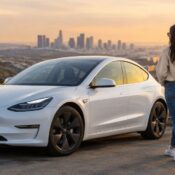
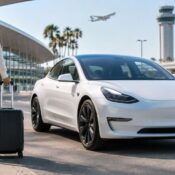
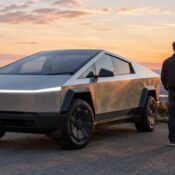
Model 3 is a polished choice for solo travelers and couples who want a nimble, stylish sedan. Model Y offers the versatile middle ground, with elevated seating and room for luggage or shopping bags. Cybertruck brings a bold presence and practical capacity for travelers carrying larger gear, heading to an event, or wanting an experience that feels unmistakably different.
9. Thoughtful cargo space, including the frunk
Tesla’s front trunk, commonly called the frunk, is more useful than it first appears. It gives travelers a separate place for smaller bags, jackets, beach items, or purchases that they do not want rolling around in the main cargo area. Combined with the rear cargo space in a Model Y or Cybertruck, it helps keep the cabin tidy even on a multi-stop day.
The right model depends on the trip. A couple with carry-ons may love the Model 3’s sleek simplicity. A family, group, or shopper with several suitcases will likely appreciate the Model Y’s extra flexibility.
10. Cabin climate and entertainment for real downtime
A panoramic glass roof makes daytime drives feel open, while strong climate controls help the cabin stay comfortable when the California sun is doing its best. Preconditioning lets you return to a cooled or warmed vehicle, a welcome benefit after a long brunch, late event, or early airport departure.
The central display also offers entertainment options for charging stops or waiting periods. It will not replace the city outside the windshield, nor should it. But when you are waiting for a passenger, taking a charging break, or giving kids a few quiet minutes before the next stop, it is a genuinely useful extra.
A better rental is part of the trip
Features matter most when the rental experience supports them. A clean, fully charged Tesla delivered around Los Angeles or LAX, paired with unlimited miles, flexible cancellation, and responsive support, lets the technology do what it is meant to do: remove friction from the day. At The Suite Escape, that hospitality-minded approach gives travelers room to focus on the reservation, the coastline, the celebration, or wherever the road leads next.
Choose the Tesla that fits your plans, set your destination in the navigation system, and leave a little space in the schedule for the drives that were never supposed to be the highlight but become one anyway.